Hardware Assembly
Qwiic Assembly
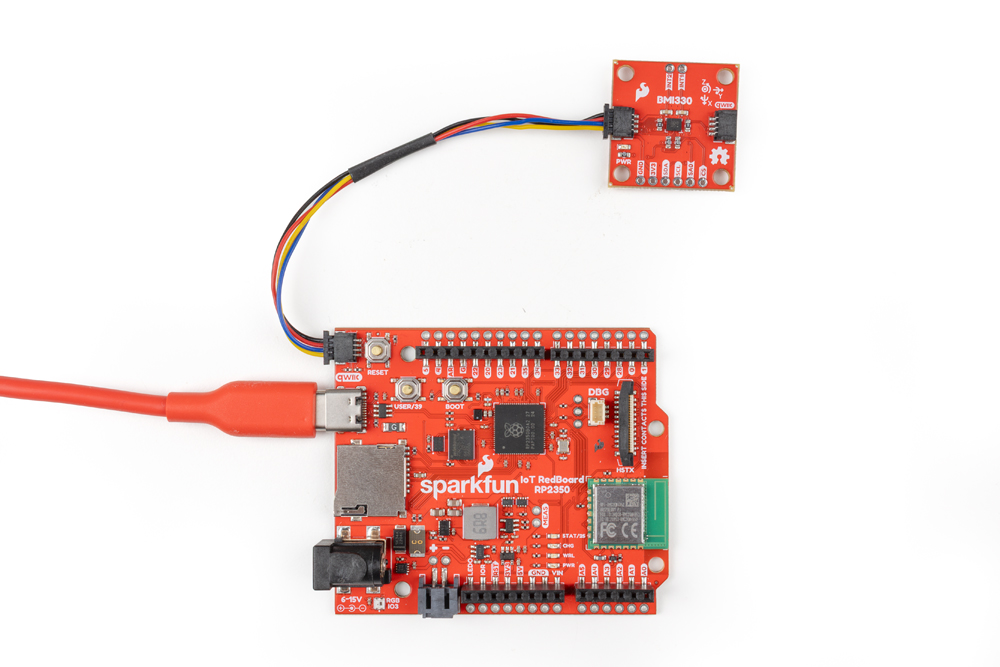
Since this is a Qwiic breakout, all we need to do is plug it into a Qwiic-comaptible development board, like the RedBoard IoT shown below, with a Qwiic cable. After that, plug the RedBoard into a computer over USB-C and we can move on to using the SparkFun BMI330 Arduino library to get data from the sensor:
Interrupt Assembly
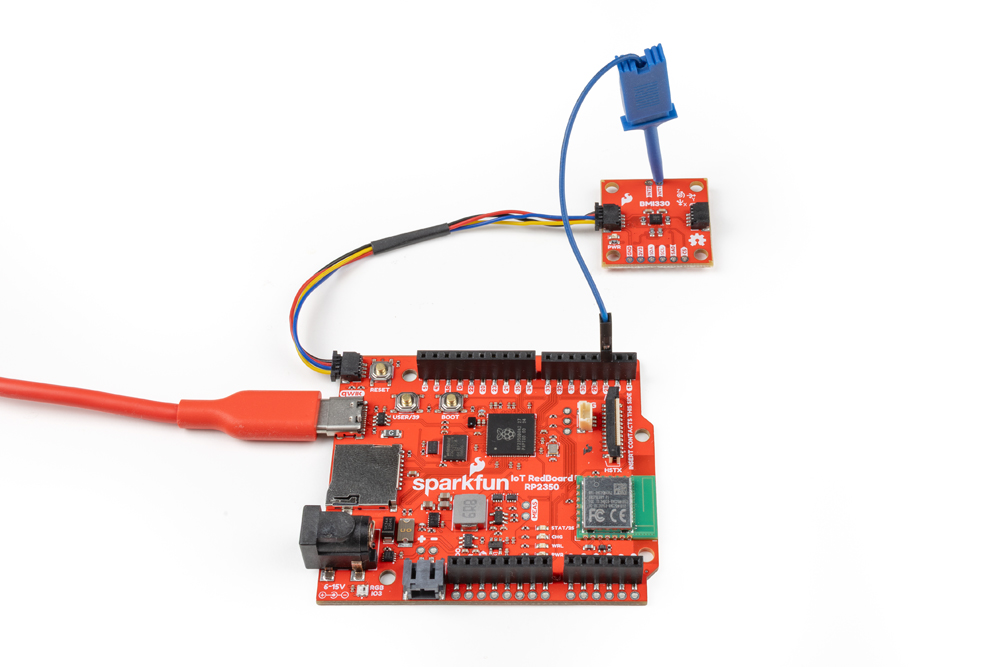
The BMI330's smart motion engine features all require connecting one or more of the interrupt pins to an interrupt-capable pin on your microcontroller. The examples default to use D2 for INT1 and D3 on INT2. The photo below shows the breakout connected to the RedBoard IoT - RP2350 over Qwiic and INT1 connected to D29 on the RedBoard. Read on to the Arduino Examples section for more information on interrupts and adjusting the code to use different pins: